Less friction, fewer ports
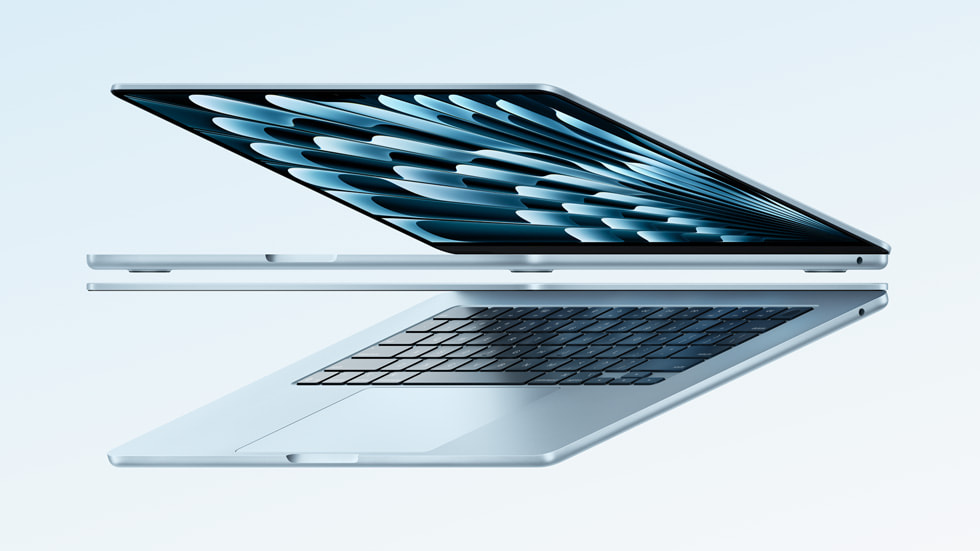
The 2025 MacBook Air with M4 is an exercise in choosing what to leave out. Its fanless construction and light chassis suit a machine that travels often, while the lack of abundant ports and internal upgrades asks you to plan ahead. Our assessment focuses on the 13-inch M4 model and the decisions a buyer should make before ordering. It is a research-based review, with manufacturer claims separated from editorial judgment. This is coverage of a specific generation, not a claim that M4 is Apple's latest laptop.
At a glance
- Generation
- 2025, Apple M4
- Display
- 13.6-inch Liquid Retina
- Starting memory
- 16 GB unified
- Weight
- 2.7 pounds (1.24 kg)
- Ports
- 2 Thunderbolt 4, MagSafe, headphone
Portability is the feature you use every day
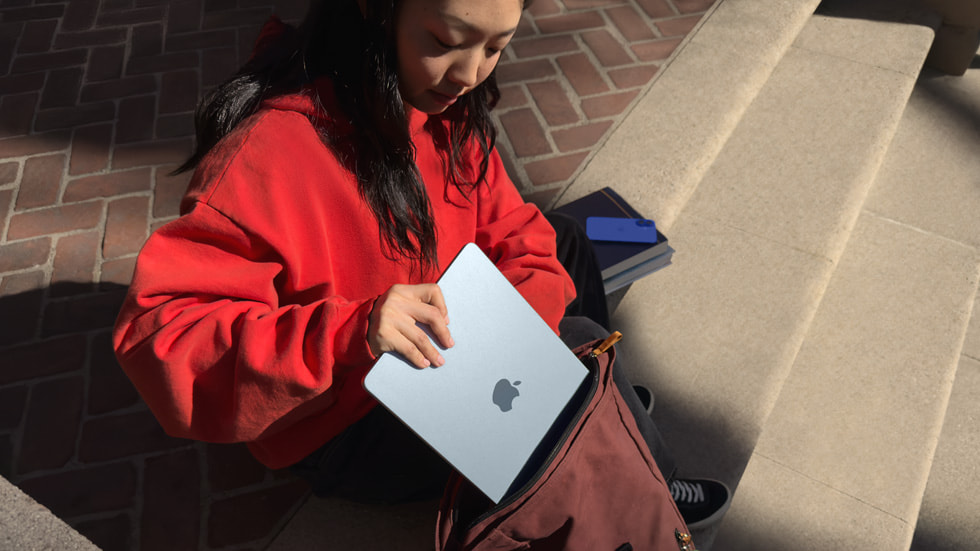
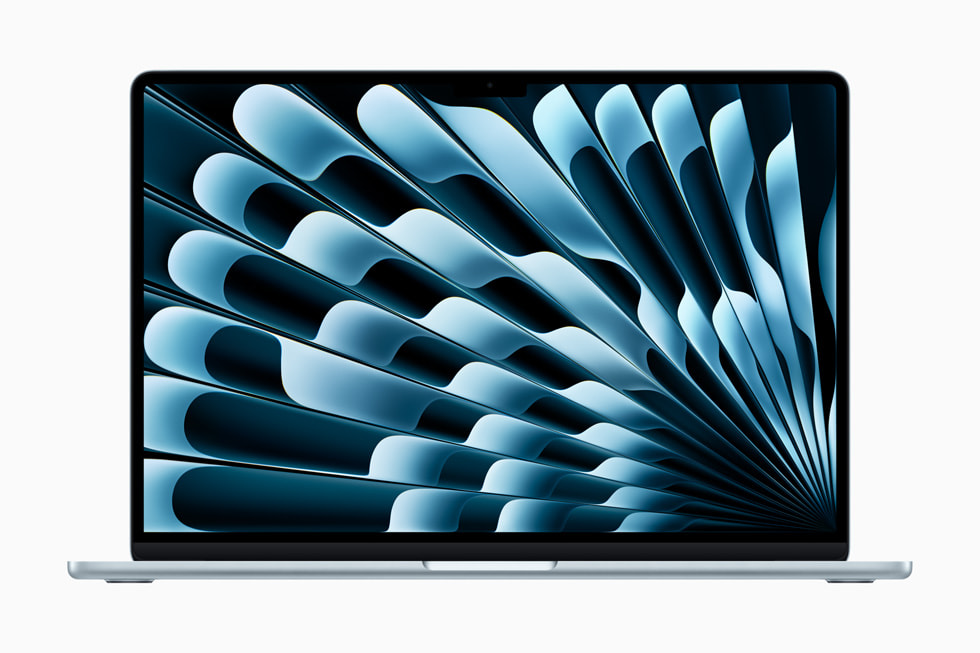
Apple lists the 13-inch model at 2.7 pounds, with a 13.6-inch Liquid Retina display. Those dimensions make sense for people who move between meetings, classes, and a home desk. A fanless design also removes fan noise, although that does not mean sustained performance is identical to a larger, actively cooled notebook. Consider the physical experience alongside the processor: can you read the screen comfortably, type for long sessions, and carry the charger you need? The 15-inch option buys more workspace at the cost of extra size. Neither choice is universally better.
Buy the memory and storage you actually need
The M4 generation starts with 16 GB of unified memory. That is a more useful baseline for a mix of browser tabs, documents, and everyday creative tools than a bare-minimum configuration chosen only for its advertised price. Memory and internal storage should be treated as purchase-time decisions. Review the size of your photo library, development tools, and active projects before choosing. External storage can relieve space pressure, but it introduces another device to carry and back up. A higher configuration only earns its price if your workload benefits from it; the processor name alone does not settle the question.

A desk setup finally needs fewer compromises
Apple documents support for up to two external displays alongside the built-in display on the M4 Air. That is a meaningful detail for a portable machine that also lives at a desk. The notebook has two Thunderbolt 4 ports, MagSafe charging, and a headphone jack. HDMI, Ethernet, and card readers still require appropriate adapters or a dock. Add those accessories to the total price rather than treating them as an afterthought. Also check monitor resolution, refresh rate, and dock compatibility together. A supported display count does not promise that every existing cable-and-hub arrangement will work.

Battery claims are a planning aid, not a promise
Apple advertises up to 18 hours of battery life under its specified conditions. Real endurance depends on display brightness, applications, network use, and battery health. We have not independently timed this machine. For a used or refurbished Air, battery condition and the warranty can matter more than a small configuration upgrade. For new purchases, weigh the M4 model's actual selling price against later generations and refurbished offers. A good everyday laptop is one that runs your required software, fits your bag, and leaves enough budget for storage and support. Those fundamentals outlast a launch headline.
The trade-offs
What works
- Light chassis and fanless operation
- 16 GB starting memory on this generation
- Two external displays plus the built-in screen
What to consider
- Limited built-in ports
- Memory is a purchase-time choice
- Sustained heavy workloads may favor active cooling
Who should buy it?
A strong candidate for students, writers, office users, and light creative work that fits macOS. Consider a different machine for Windows-only applications, demanding sustained rendering, or a workflow that needs many built-in ports.

The Informed Choice conclusion
Our verdict
The M4 Air's strongest argument is a well-balanced daily experience. Choose the configuration around your applications and storage, then compare the full desk setup cost. It is appealing at the right price, without needing to be the newest Mac on sale.
Sources & transparency
This original analysis uses the manufacturer documentation linked below. Battery figures and technical specifications are manufacturer statements. We have not performed independent measurements. Features, availability, and seller terms can change.
Photographs are manufacturer-supplied editorial images, not evidence of our own product testing. The gallery may show different finishes or revisions; captions identify them where relevant. Image credits and source register. This article contains no paid affiliate links.