Small box. Whole-desk thinking.
The 2024 M4 Mac mini looks like an easy answer to a crowded desk. The important question is whether the whole system is equally simple once a display, keyboard, mouse, and storage enter the picture. We assess the standard M4 version here, distinguishing it from the more expensive M4 Pro configuration. This is an original research-based buying review, not a report of measured performance or personal ownership. The model is covered on its own merits rather than presented as the newest desktop available.
At a glance
- Generation
- 2024, standard M4
- Footprint
- 5 × 5 inches
- Starting memory
- 16 GB unified
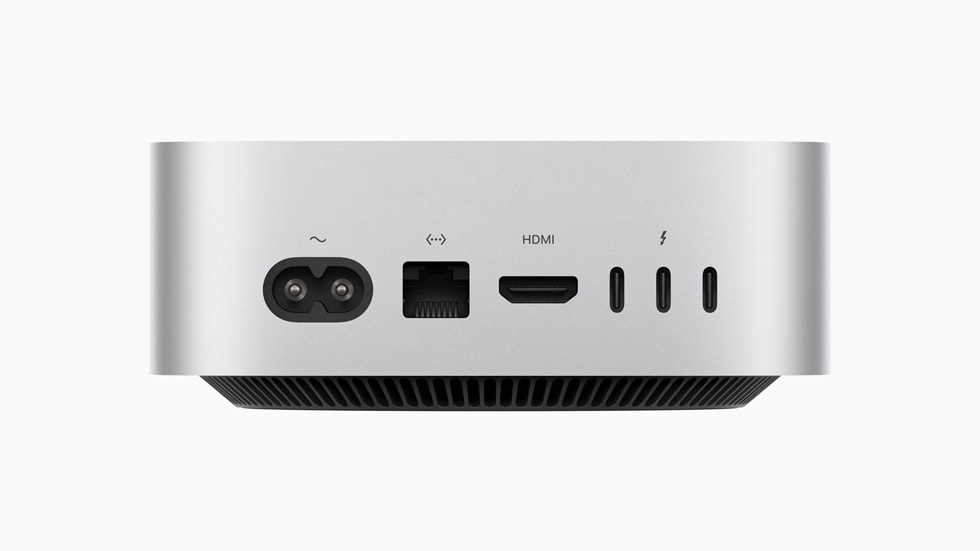
- Rear data ports
- 3 Thunderbolt 4
- Other connections
- HDMI, Ethernet, front USB-C
Compact hardware changes how a desk works
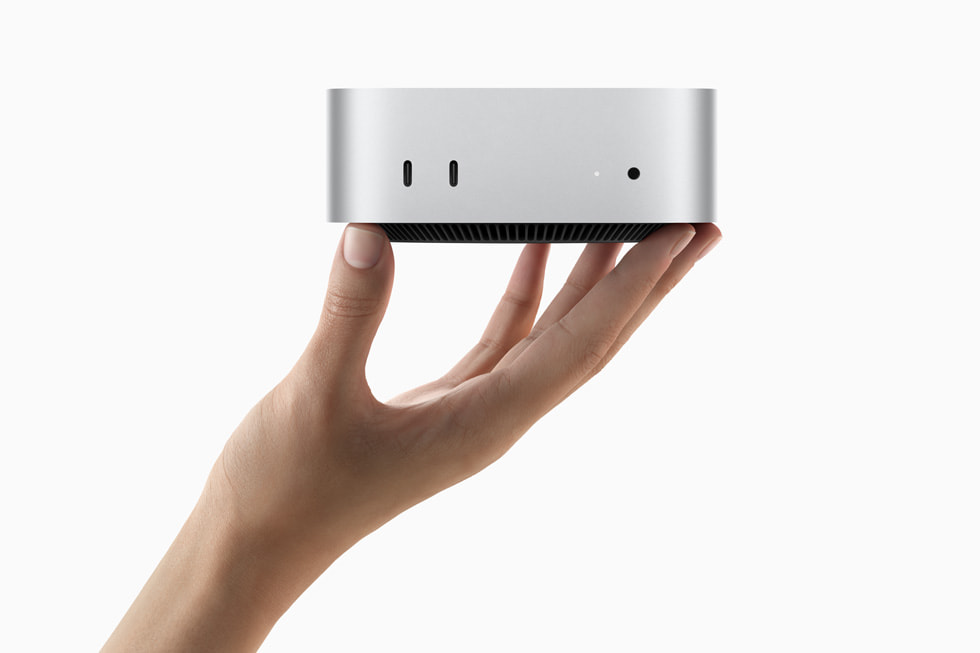
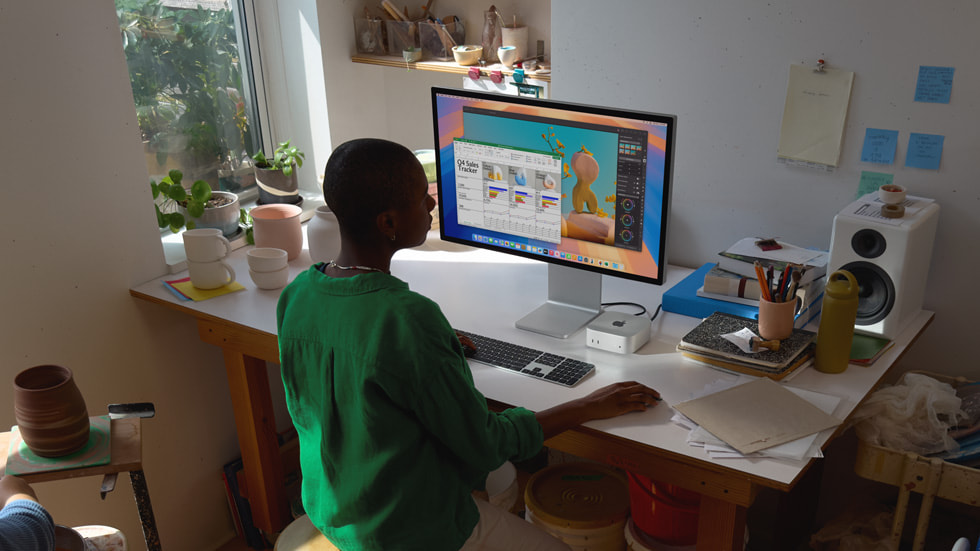
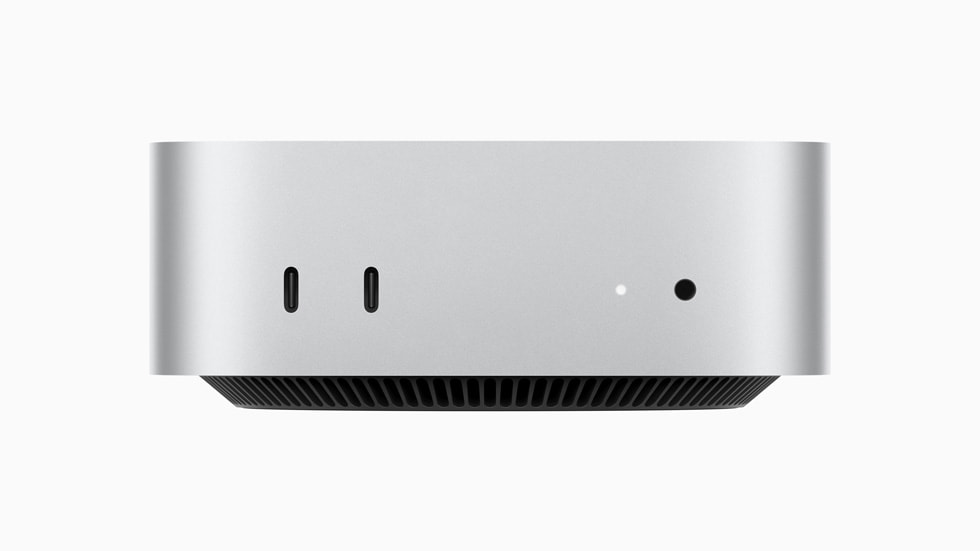
Apple reduced this generation's enclosure to a five-by-five-inch footprint. A small computer can free space for a better display or keep a shared workspace less cluttered, but it still needs sensible ventilation and accessible cables. The front USB-C ports and headphone jack are useful for temporary connections. Rear ports are better suited to devices that stay connected. Plan the desk around the cables you actually use: a camera, audio interface, backup drive, and monitor can quickly occupy more connections than expected. Compact dimensions are valuable when they reduce friction, rather than merely moving a tangle of adapters out of sight.
Understand the standard M4 configuration
The base M4 model starts with 16 GB of unified memory. It has three Thunderbolt 4 ports at the rear; the M4 Pro version uses Thunderbolt 5, so check the exact configuration rather than relying on a photograph or a generic listing. For office work, coding, and lighter creative projects, memory capacity and the working set of your applications deserve more attention than a headline processor comparison. If your projects keep growing, buying extra memory initially may be more useful than replacing external accessories later. Treat internal memory as fixed for the life of the purchase.
The best value may be the display you already own
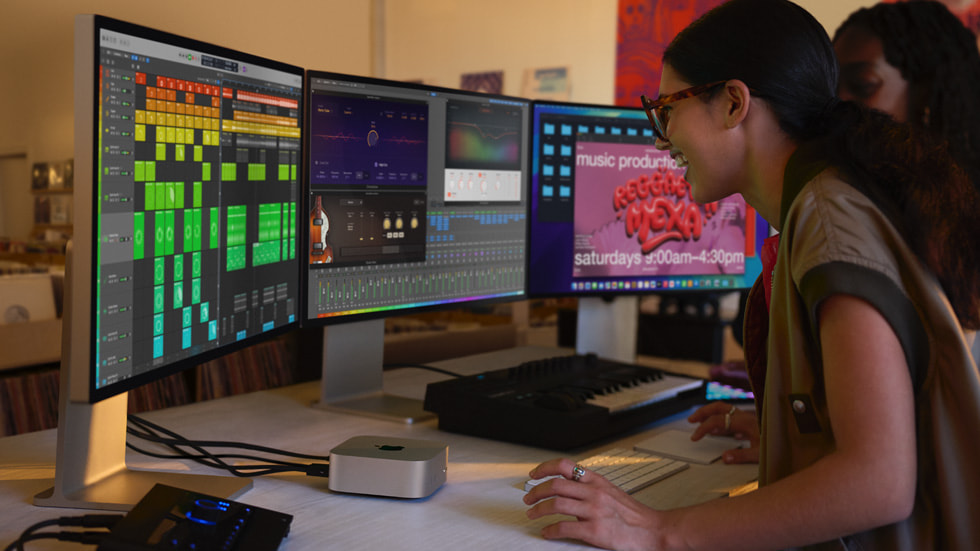
A desktop can be economical when you already have good peripherals. It can be less economical when the advertised computer price is only the start of the shopping list. Include a display, keyboard, pointing device, webcam if needed, and a proper backup solution. Apple documents support for up to three displays on this generation, with supported combinations depending on the connections and resolutions involved. Verify your specific monitors before ordering adapters. A single comfortable, sharp display can improve daily work more than a complicated multi-screen arrangement bought simply because the machine supports one.
Storage and mobility are the real trade-offs
A small internal SSD can work for documents and cloud services, but large media libraries and development environments need a plan. An external SSD is a reasonable complement, while a separate backup remains necessary. It is also worth being honest about mobility: carrying a small desktop between desks is possible, but it is not the same experience as opening a notebook anywhere. The Mac mini becomes more compelling when your work has a stable home and your peripherals can serve for several computer generations. Compare its total cost with a laptop and dock before deciding that smaller automatically means cheaper.
The trade-offs
What works
- Very compact five-by-five-inch enclosure
- Accessible front USB-C connections
- Can reuse existing displays and peripherals
What to consider
- Display and input devices sold separately
- Internal memory choices need advance planning
- Not a replacement for laptop mobility
Who should buy it?
Best considered by people with a fixed desk, compatible peripherals, and a macOS workflow. A notebook is a better starting point if you regularly work away from a monitor or need a complete portable setup.
The Informed Choice conclusion
Our verdict
The M4 Mac mini can be a sensible foundation for a focused desk. Its value improves when you already own good peripherals and choose sufficient memory. Price the complete system, including backup storage, before judging the small box in isolation.
Sources & transparency
This original analysis uses the manufacturer documentation linked below. Battery figures and technical specifications are manufacturer statements. We have not performed independent measurements. Features, availability, and seller terms can change.
Photographs are manufacturer-supplied editorial images, not evidence of our own product testing. The gallery may show different finishes or revisions; captions identify them where relevant. Image credits and source register. This article contains no paid affiliate links.